
23 Free Online Office Games, From the Team That Hosts Online Office Games
Free online office games you can run yourself with a video call and a browser tab, from the team behind the hosted Online Office Games event.

Free online office games you can run yourself with a video call and a browser tab, from the team behind the hosted Online Office Games event.
We are probably the only publisher writing about online office games who also runs an event called Online Office Games.
We launched it in March 2020, in the first weeks of the shift to remote work, as a 90-minute hosted competition for teams meeting on Zoom for the first time. Since then our hosts have run it 1,846 times for teams around the world, and participants have left 3,071 reviews averaging 4.95 out of 5 (teambuilding.com platform data, as of September 2026). Every round of scoring, every timer, and every prompt in that event was tuned by watching real teams play it.
This guide is the free version of what we learned. Below are 23 online office games you can run yourself with a video call, a browser tab, and no budget — pulled from the mechanics that actually hold a room, and with the ones that flop left out on purpose.
This list includes:
Here we go!
Online office games are games coworkers play together over the internet instead of in a meeting room — on a video call, in a shared browser tab, or in a chat channel. Examples include online bingo, typing races, and photo guessing rounds. The purpose is to give a distributed team a reason to talk to each other about something other than work, in a format short enough to fit inside a normal workday. They are also called "virtual office games," "office games online," "online games for work," and "computer games to play at work."
Online office games are the online branch of office games and a subcategory of online team building games. They are similar to online group games, video call games, and virtual party games, and the platform-specific versions are Zoom games, Microsoft Teams games, and Google Meet games. Within the category, this guide covers quick games for meetings, Fun Friday games, browser games with no download, and versions built for large groups. Teams most often use them inside virtual meetings, at virtual team events, and as work competitions.
The reason these games exist at all is that hybrid and remote schedules remove the unplanned contact that used to happen by accident. In a six-month randomized controlled trial of 1,612 employees published in Nature, Stanford economist Nicholas Bloom and colleagues found that hybrid work — two days a week at home — cut quit rates by a third, from 7.20% to 4.80%, with no effect on performance or promotions over the following two years. Hybrid is good for retention. It also means the social contact that used to be free now has to be scheduled, which is the job these games do.
Online Office Games is our signature hosted competition. Teams split into groups, a host runs them through a sequence of games — icebreaker rounds, a lightning scavenger hunt, trivia, and a set of custom challenges — and a live scoreboard tracks points to a winner. It runs 60 or 90 minutes for 10 to 1,000 people at $40 per person.

A triathlon of virtual activities with 150,000+ participants to date.
We mention it here for two reasons. The first is that a lot of people searching this phrase are looking for the event by name. The second is that most of the free games further down started life inside it, or were retired from it, which is why we have opinions about which ones work. You can see the full format on the Online Office Games page.
Every game below is free, needs nothing more than a browser or a video call, and has been played by real teams rather than invented for a listicle. Here is the whole set in one table.
| Activity | Best for | Group size | Time | Cost |
|---|---|---|---|---|
| Emoji Stories | Meeting warm-ups | 4–30 | 5–10 min | Free |
| Zoomed In | Fast guessing rounds | 4–50 | 5–15 min | Free |
| Caption This | Async play in chat | 5–100+ | 5–10 min | Free |
| Wrong Answers Only | Loosening up a quiet group | 4–25 | 5–10 min | Free |
| Rock Paper Scissors Bracket | Quick competition | 8–60 | 10 min | Free |
| Online Work Bingo | Playing across a whole week | 5–100+ | Ongoing | Free |
| Online Office Olympics | A full Fun Friday block | 8–60 | 45–90 min | Free |
| Lightning Scavenger Hunt | Energy and movement | 5–100+ | 10–20 min | Free |
| Virtual Pictionary | Creative thinking | 4–30 | 20–30 min | Free |
| Online Scattergories | Word play and debate | 4–40 | 15–25 min | Free |
| Online Chess Ladder | A slow-burn office rivalry | 4–50 | Ongoing | Free |
| Online Typing Race | Solo play, shared scoreboard | 3–100+ | 5 min | Free |
| Desk Game Leaderboard | Low-key browser breaks | 3–100+ | 5–10 min | Free |
| Online Board Game Night | A longer social session | 4–24 | 45–90 min | Free |
| Word Puzzle Race | Brain-teaser fans | 4–40 | 10–15 min | Free |
| Geography Guessing Game | Global teams | 5–40 | 15–25 min | Free |
| Two Truths and a Lie | New teammates | 4–20 | 10–20 min | Free |
| Rapid-Fire This or That | Warming up a video call | 4–100+ | 5–10 min | Free |
| Guess the Pet | Getting to know each other | 5–40 | 10–15 min | Free |
| Guess the Baby Photo | Long-tenured teams | 8–60 | 10–20 min | Free |
| Bet on the Crowd | All-hands audiences | 15–500+ | 10–20 min | Free |
| Breakout Room Tournament | Company-wide competition | 20–200+ | 30–60 min | Free |
| Chat Waterfall | Hearing from everyone at once | 10–500+ | 5 min | Free |
These five fit inside a regular meeting. Our rule of thumb for a recurring call is to spend roughly the first five to ten minutes on something social, then move on while people still want more — a game that overstays its welcome teaches the team to dread the next one.
One player describes a movie, a project, or a recent workday using only emoji, and everyone else guesses what it is.
How to play:
Give each round a category so the guessing has boundaries. "Movies," "things that happened in this quarter," and "our product, but honestly" all work well.
Best for: 4 to 30 people
Time: 5 to 10 minutes
Materials (cost): A meeting chat window (free)
What we've learned: Cap each string at eight emoji. Longer strings turn into rebus puzzles that one person solves while everyone else waits.
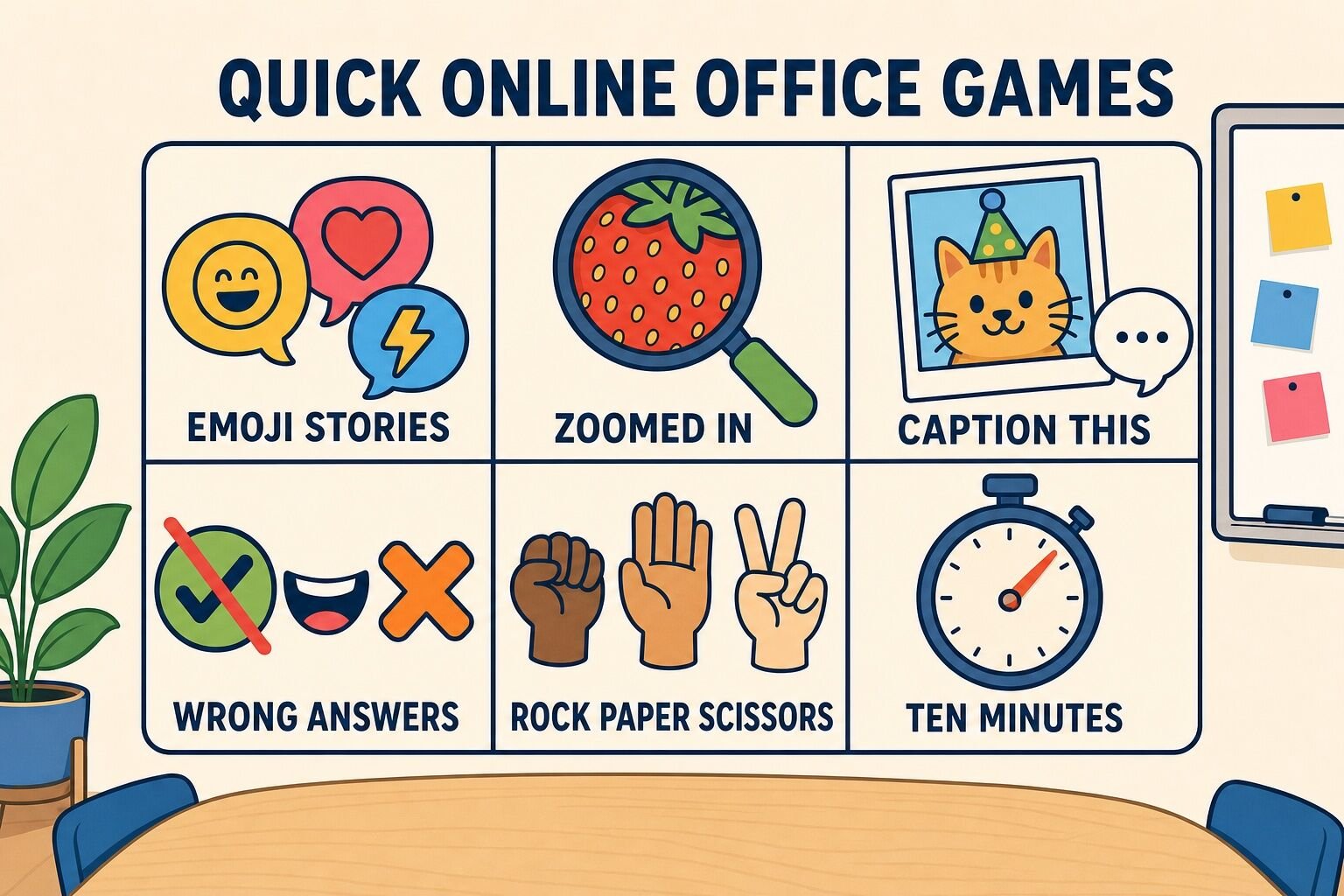
The host shares a photo of an everyday object cropped in so far that it is unrecognizable, then zooms out one step at a time while players guess.
How to play:
Photos from around your own office or from teammates' desks work better than stock images, because the reveal lands as a small in-joke.
Best for: 4 to 50 people
Time: 5 to 15 minutes
Materials (cost): Screen share and any photo editor (free)
What we've learned: Texture beats shape. A close-up of a tennis ball or a bread crust is much harder — and more fun — than a close-up of a logo.
Share one strange photo. Everyone writes a caption. The group votes on the best one.
How to play:
Anonymous submissions produce noticeably braver captions, and they let quieter teammates compete on equal footing with the loudest person on the call.
Best for: 5 to 100+ people
Time: 5 to 10 minutes live, or run it async over a day
Materials (cost): A chat channel and an optional form (free)
What we've learned: Rotate who chooses the photo. The person hunting for next week's image ends up more invested than anyone who just shows up to caption.
Someone asks a straightforward question and the entire team competes to answer it as incorrectly as possible.
How to play:
The point is not cleverness. Because there is no correct answer, nobody can look uninformed, which is exactly why it works on teams where people are still guarding their reputations.
Best for: 4 to 25 people
Time: 5 to 10 minutes
Materials (cost): A chat window (free)
What we've learned: Questions about mundane household problems beat questions about work. "How do you unclog a drain?" gets far more answers than "How do we hit the quarterly target?"
Ordinary rock paper scissors, run as a single-elimination tournament on camera. It takes almost no explanation, which is the whole appeal.
How to play:
Losers stay in the game as commentators. A knocked-out player who is cheering is still participating, which matters more than the bracket does. For more head-to-head formats, see our guide to competitive team building games.
Best for: 8 to 60 people
Time: 10 minutes
Materials (cost): A video call with spotlight or pin (free)
What we've learned: Latency ruins the simultaneous throw. Have both players count aloud together rather than relying on the host's countdown, and re-throw any round where the timing looks off instead of arguing about it.
These are longer, louder formats for the end of the week — the slot most teams protect for something social. Each one can fill 20 to 90 minutes and holds up with a mixed in-office and remote crowd.
Players get a bingo card filled with things that happen during a normal workweek and mark them off as they occur.
How to play:
Our remote work bingo card is a ready-made version if you would rather not write squares from scratch.
Best for: 5 to 100+ people
Time: A few minutes a day across a week
Materials (cost): A bingo card generator or a spreadsheet (free)
What we've learned: Squares that describe your specific team beat generic office clichés. One card we saw included "someone joins from an airport," which was funny only because half that team travelled constantly.
A themed tournament made of short, silly events that work on camera, scored across a whole afternoon.
How to play:
The leaderboard is what makes this work. Without visible running totals, the events feel like unrelated party tricks; with them, the last event still matters. Our list of virtual office Olympics ideas has more events to pull from.
Best for: 8 to 60 people
Time: 45 to 90 minutes
Materials (cost): Household objects people already own (free)
What we've learned: Skip anything that rewards athleticism. Push-up contests and stare-downs quietly exclude people, and the events teams remember are the absurd ones — wrapping a mug with one hand, building the tallest tower of things within arm's reach.
The host calls out a clue, everyone sprints away from their desk, and the first person back with a qualifying item scores.
How to play:
Clues that work: something older than you are, the strangest thing in your kitchen, something you bought while travelling, an object that starts with the same letter as your first name.
This is one of the rounds inside our hosted event, and it is the single easiest way to reset a room that has gone flat. Our virtual scavenger hunt guide has full clue lists.
Best for: 5 to 100+ people
Time: 10 to 20 minutes
Materials (cost): Whatever is already in the room (free)
What we've learned: Do not rush straight into the next clue. When someone comes back holding a strange souvenir, ask about it. The race creates the energy, but the two-sentence story behind the object is the part that helps people get to know each other.
One player draws a prompt on a shared whiteboard while teammates guess it before the timer runs out.
How to play:
For a harder variant, try blind drawing: one person describes an image while their partner draws it without seeing it.
Best for: 4 to 30 people
Time: 20 to 30 minutes
Materials (cost): A free whiteboard tool or screen share (free)
What we've learned: Blind drawing games are much harder than they sound. People give instructions based on what they already know the image looks like, rather than what the listener actually needs to hear — which is exactly the communication gap the game exposes, and why we keep a version of it in our hosted sessions. See our virtual Pictionary games list for more variants.
Players race to name something in each of several categories, all starting with the same letter. Duplicate answers cancel out.
How to play:
The cancelling rule is what makes this a thinking game rather than a typing game, and the arguments about whether an answer counts are the best part. Appoint one person as judge before you start.
Best for: 4 to 40 people
Time: 15 to 25 minutes
Materials (cost): Paper or a private doc per player (free)
What we've learned: Write categories that are specific to your company for at least two slots. "Things in our office kitchen" produces better arguments than "fruits."
These six run in a browser tab, need no install and no admin rights, and work on a locked-down work laptop. Several also run asynchronously across a week, which is the only way to include teammates in other time zones.
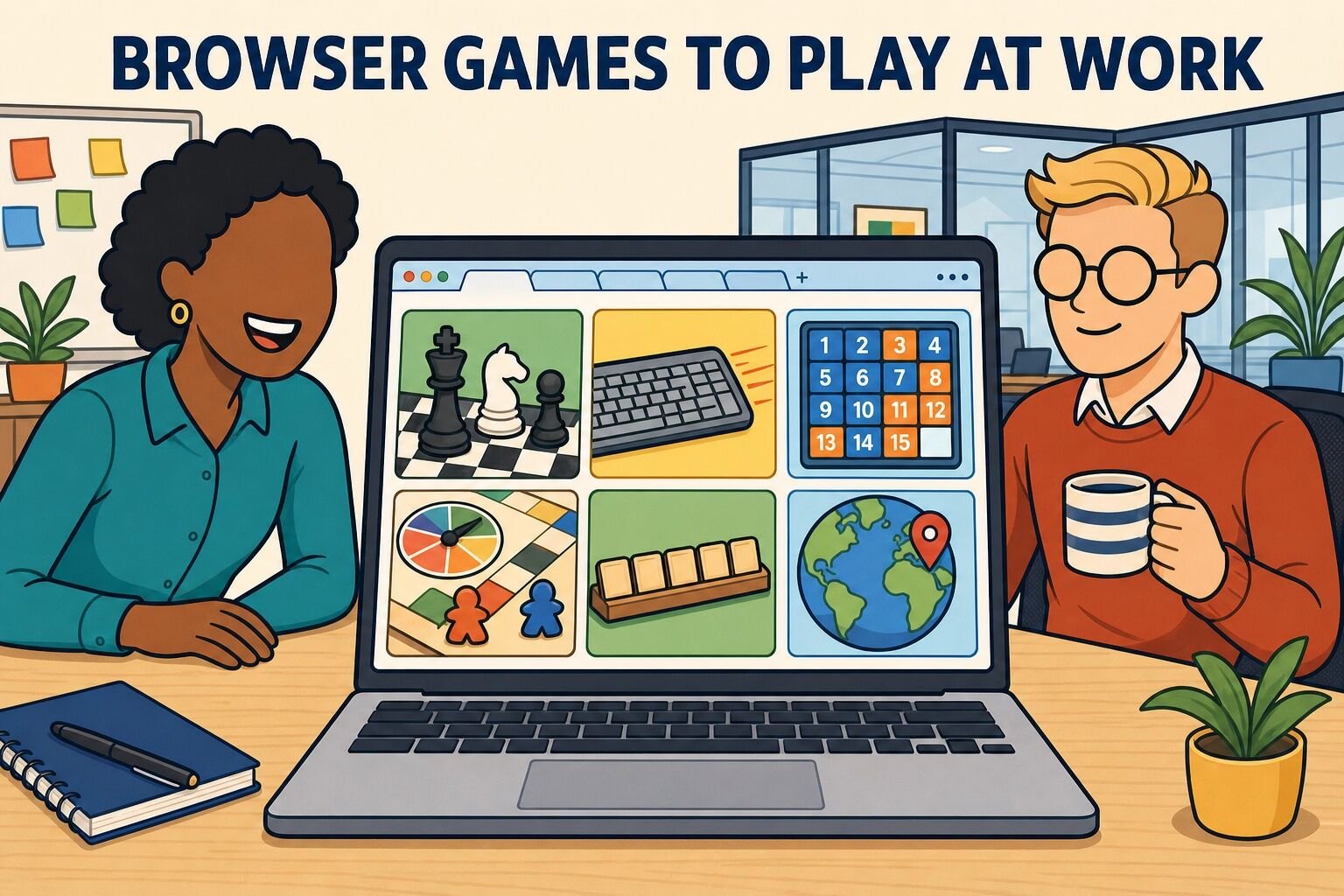
A running office chess ladder where anyone can challenge anyone above them.
How to play:
Use correspondence rather than blitz. A three-day-per-move game becomes something people check with their coffee instead of something that eats an afternoon.
Best for: 4 to 50 people
Time: A few minutes a day, ongoing
Materials (cost): A free chess account (free)
What we've learned: Post results in a channel, not just on the ladder. The commentary around the games is what pulls in the people who do not play.
Everyone takes the same one-minute typing test and posts their score to a shared leaderboard.
How to play:
Scoring personal bests alongside raw speed keeps the leaderboard from becoming a permanent win for the two fastest typists.
Best for: 3 to 100+ people
Time: 5 minutes
Materials (cost): A free typing test site (free)
What we've learned: This is the most reliable game on the list for teams spread across time zones, because nobody has to be online at the same moment for it to feel like a competition.
A weekly high-score contest on a single simple browser game — the kind that looks like a spreadsheet from across the room.
How to play:
One game per week matters. When the channel offers five games at once, people play none of them, and the leaderboard never gets enough entries to be interesting.
Best for: 3 to 100+ people
Time: 5 to 10 minutes, whenever
Materials (cost): Any free browser game (free)
What we've learned: Check what your IT policy actually allows before you post a link. Puzzle and word games almost always pass; anything that looks like a game site often does not, and a blocked link kills the whole thread.
A longer social session built around one browser-based board game everyone plays together.
How to play:
Social deduction games travel better online than heavy strategy games do, because the fun comes from talking rather than from watching someone take a long turn. Our list of free online board games has options that work in a browser.
Best for: 4 to 24 people
Time: 45 to 90 minutes
Materials (cost): A free browser board game (free)
What we've learned: Teach the rules by playing one throwaway practice round rather than by explaining. Ten minutes of rules explanation on a video call loses half the room.
Everyone races to build the longest valid word from the same set of scrambled letters.
How to play:
Simultaneous reveal is essential. If people answer one at a time, the last player has heard every idea already.
Best for: 4 to 40 people
Time: 10 to 15 minutes
Materials (cost): A letter generator and a chat window (free)
What we've learned: Agree on the dictionary before round one, not during round three. Any single free online dictionary will do; the argument is only a problem when it is unresolved.
One player describes a country without naming it, and the rest of the team races to identify it.
How to play:
On a global team, let people pick countries they have actually lived in or visited. The round then doubles as a story about a teammate, which is worth more than the trivia.
Best for: 5 to 40 people
Time: 15 to 25 minutes
Materials (cost): A video call and chat (free)
What we've learned: Ban capital cities as a clue. They end the round instantly and skip the part where the team argues its way toward an answer. For more formats like this, see our quiz games list.
These four need a video call and nothing else. They work identically on Zoom, Microsoft Teams, and Google Meet — all you need is screen share, chat, and the ability to spotlight one person.
Each player states three facts about themselves. Two are true. The team votes on which is the lie.
How to play:
The reveal is the entire game. A round where nobody asks a follow-up question is a round that built nothing, so budget 30 seconds of questions per player. Our icebreaker games guide has more openers in this shape.
Best for: 4 to 20 people
Time: 10 to 20 minutes
Materials (cost): A video call with polls or reactions (free)
What we've learned: Coach people to make their truths weird and their lie boring. Most players do the opposite, which makes the lie obvious within a sentence.
The host reads a series of two-option choices and everyone answers instantly, with no deliberation.
How to play:
Close votes are the most fun part of a game like this: a 52/48 split creates suspense and an argument worth having, while a 95/5 split creates nothing. Choose pairs you expect to divide the room. Our question games list has more prompt sets.
Best for: 4 to 100+ people
Time: 5 to 10 minutes
Materials (cost): Meeting reactions or polls (free)
What we've learned: Save the two most controversial pairs for the end. The debate they start is the natural way to close the game, and it gives quieter teammates a second, lower-stakes chance to speak.
Teammates submit photos of their pets, and the group matches each animal to its owner.
How to play:
Include past pets as well as current ones so that people without animals can still play. Our guessing games list covers other formats built on the same mechanic.
Best for: 5 to 40 people
Time: 10 to 15 minutes
Materials (cost): Photos from the team (free)
What we've learned: Collect the photos yourself by direct message rather than in a public channel. When submissions happen in the open, half the answers are spoiled before the game starts.
Same mechanic, harder version: teammates submit childhood photos and the group matches each one to a colleague.
How to play:
Toddler photos work much better than newborn photos, because recognisable features have started to develop, and the game gets harder and better as the group gets larger.
Best for: 8 to 60 people
Time: 10 to 20 minutes
Materials (cost): Photos from the team (free)
What we've learned: Make it opt-in every single time, and never chase anyone who does not submit. Some people have complicated reasons for not having childhood photos to share, and a game is not worth finding out the hard way.
Past roughly 15 people, the mechanics have to change. Turn-taking games stall, the chat outruns the host, and most of the room becomes an audience. These three were built for the larger end.
The host asks a question about the group, and players score by predicting how everyone else answered rather than by answering correctly themselves.
How to play:
Because the poll does the counting, this scales to hundreds of people without slowing down. Our virtual games for large groups guide covers more formats at this size.
Best for: 15 to 500+ people
Time: 10 to 20 minutes
Materials (cost): The meeting's poll feature (free)
What we've learned: Write questions you genuinely cannot predict. A question where everyone knows the answer produces a 95/5 split and a flat round; the ones worth asking land close to even.
Split a large group into small teams, run identical rounds in parallel breakout rooms, and bring everyone back to a single scoreboard.
How to play:
Never run more than three rounds without returning to the main room. The scoreboard reveal is what makes the separate rooms feel like one event instead of several unrelated meetings. Our trivia games list is a good source of question sets.
Best for: 20 to 200+ people
Time: 30 to 60 minutes
Materials (cost): Breakout rooms and a shared form (free)
What we've learned: Put one confident volunteer in each room before you start. Breakout rooms fail in the first 30 seconds of silence, and a named captain removes that silence entirely.
Everyone types an answer to the same prompt, holds it, and hits enter at the same moment so the chat floods all at once.
How to play:
This is the fastest way we know to hear from an entire company at once, and it works just as well with 500 people as with 20. Our list of virtual team challenges has more formats in this vein.
Best for: 10 to 500+ people
Time: 5 minutes
Materials (cost): The meeting chat (free)
What we've learned: The follow-up is the whole point. Without it, a waterfall is 200 messages nobody reads — pick two answers and ask about them, and everyone else feels heard by proxy.
Our Online Office Games event has run 1,846 confirmed times and holds a 4.95 out of 5 rating across 3,071 participant reviews, as of September 2026. A few patterns show up often enough that we plan around them.
The laughter is doing real work. It is tempting to treat these games as a break from the job. In a study of 54 videotaped real team meetings published in the Journal of Applied Psychology, Lehmann-Willenbrock and Allen found that patterns of humor and laughter — humor sequences rather than isolated jokes — were positively related to team performance both immediately and roughly two years later. A running joke that survives three Fun Fridays is not a distraction from the team's work.
Who runs the game matters more than which game you pick. Roughly one in five published reviews of our virtual events mention the host by name. Participants remember who ran the show, not the software. If you are running these yourself, the practical version of that is to have someone whose only job for those 15 minutes is to run the game — not to also be taking notes or watching the clock for the next agenda item.
Group size changes the game more than platform does. Virtual events work at every scale — the median virtual event we run has 16 participants, but we have hosted 448 virtual events with 100 or more participants, the largest with over 1,000 attendees. What changes is the mechanics, not the platform.
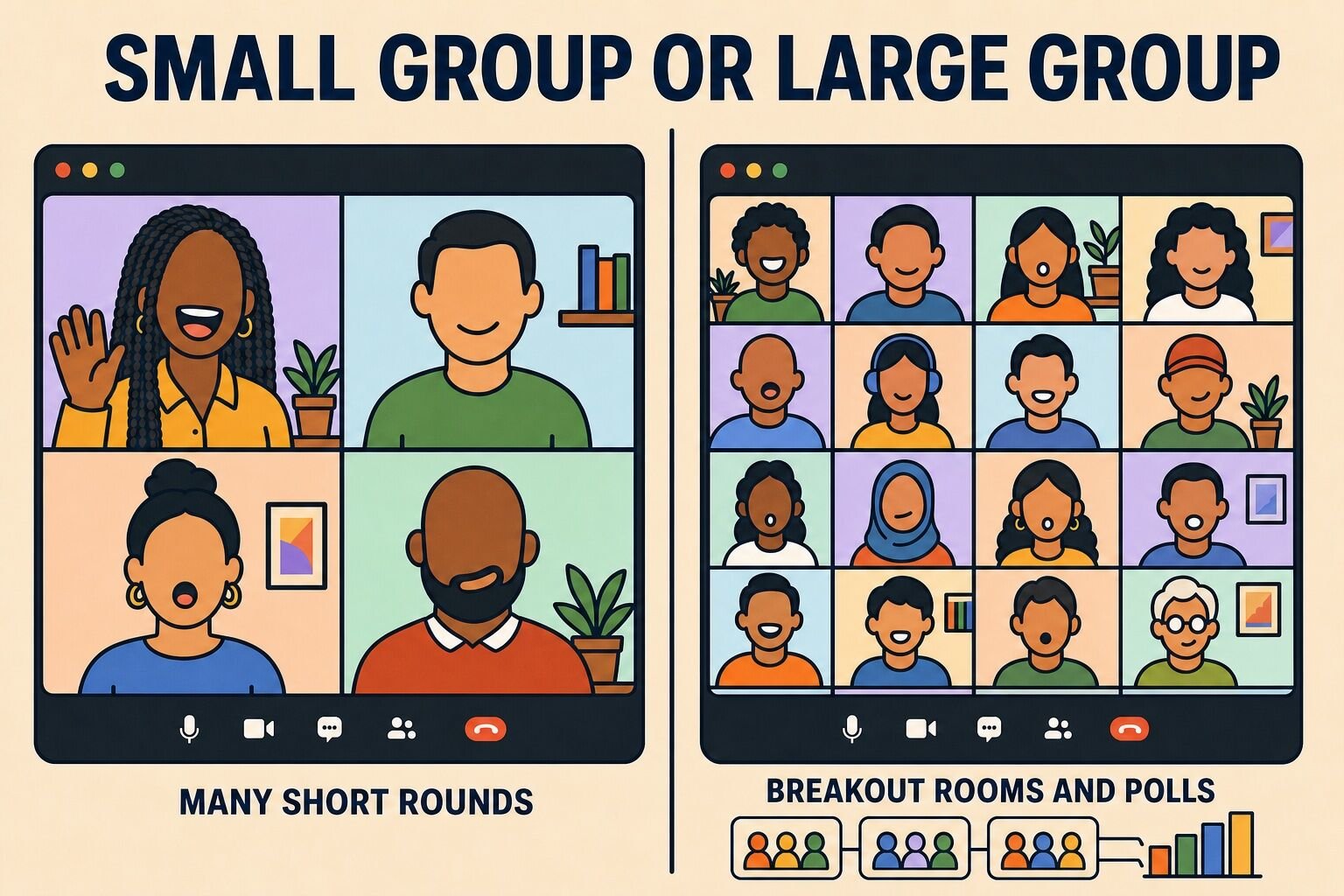
| Small groups (~15 or fewer) | Large groups (15+) | |
|---|---|---|
| Format | Many short rounds, everyone takes a turn | Fewer, longer rounds played in parallel |
| Hosting style | Conversational — the host can improvise | Scripted, with visible timers and rules stated up front |
| Scoring | Individual points, tracked out loud | Team points on a shared scoreboard |
| Tools you need | A video call and the chat window | Breakout rooms, polls, and a shared answer form |
| Games that fit | Two Truths and a Lie, Virtual Pictionary, Zoomed In | Bet on the Crowd, Breakout Room Tournament, Chat Waterfall |
| Biggest risk | One person dominating every round | Most of the room becoming an audience |
Shorter is safer than longer. For a recurring meeting game, ten minutes is plenty. The failure mode we see most often is a team that books an hour for games, runs out of energy at minute 25, and concludes that online games do not work for them.
Some formats read well in a list and fall apart the moment you try them on a call. Several of these were in the previous version of this article, and we have hosted enough sessions since to know better. Here is what we would skip.
| Activity | Why skip it | Verdict |
|---|---|---|
| Online karaoke | Video-call latency makes singing together nearly impossible, and solo karaoke puts enormous pressure on one person at a time. | Skip it |
| Online charades | Charades loses its energy inside a camera frame. The physical comedy that makes it work in a room does not survive a webcam crop. | Skip it |
| Virtual dance parties | Most people are not comfortable dancing alone on camera, so participation collapses and the few who join feel exposed. | Skip it |
| Talent shows | A performance format puts individuals under camera pressure while everyone else watches passively. It rewards the already-confident. | Skip it |
| Movie nights | Watching together is too passive to build connection. People multitask within ten minutes and nobody talks. | Skip it |
| Truth or dare | Dares on a work call are either too tame to be fun or too personal to be appropriate, and the line between the two is not the same for everyone. | Skip it |
| Competitive shooter games | Popular free multiplayer shooters exclude non-gamers completely, take a long time to install, and put a violent theme into a work setting. | Skip it |
| Endurance stunts | Push-up contests and no-blinking challenges reward physical traits rather than participation, and quietly exclude teammates who cannot join in. | Skip it |
| Daily photo challenges | A prompt that fires every day stops being a treat within a week and becomes another notification people feel obliged to answer. | Use sparingly |
| Open-ended debates | Debate works only when the topic is inconsequential. Serious motions bring workplace baggage into a game that has no way to resolve it. | Use sparingly |
Online office games are not complicated. A prompt, a timer, someone willing to run it, and a rule that everyone answers at once will outperform almost any elaborate format. The games on this list survived because they hold a room, and the ones in the Lame List did not.
Start with one ten-minute game in a meeting people already attend. If it works, make it a standing slot. If it does not, change the game rather than concluding your team is not the type — in our experience that conclusion is almost always wrong.
Next, check out our lists of virtual game night ideas, Slack games, and virtual team building activities.
Answers to the questions teams ask most before running online games at work.
Online office games are games coworkers play together over the internet rather than in a meeting room — on a video call, in a shared browser tab, or in a chat channel. Examples include online bingo, typing races, and photo guessing rounds. The purpose is to give a distributed team a reason to talk to each other about something other than work, in a format short enough to fit inside a normal workday.
For a regular meeting, the most reliable free options are Emoji Stories, Zoomed In, Caption This, and Rapid-Fire This or That, because each one runs in under ten minutes and needs nothing but the chat window. For a longer Fun Friday block, Online Work Bingo, Online Office Olympics, and a Lightning Scavenger Hunt all fill 20 to 90 minutes.
Ten minutes is plenty for a game inside a recurring meeting. The failure we see most often is a team booking a full hour for games, running out of energy around minute 25, and concluding that online games do not work for them. Stop while people still want more.
Past roughly 15 people, turn-taking games stall and most of the room becomes an audience. Poll-based games such as Bet on the Crowd, a Chat Waterfall where everyone sends an answer at the same moment, and a breakout room tournament with a shared scoreboard all scale to hundreds of participants. The median virtual event we host has 16 participants, but we have run 448 with 100 or more, the largest with over 1,000 attendees.
Browser-based games need no install and no admin rights, which matters on a locked-down work laptop. An online chess ladder, a one-minute typing test, a weekly high-score contest on a puzzle game, a browser board game, a longest-word race, and a geography guessing round all run in a single tab. Check your IT policy before posting a link — puzzle and word games almost always pass, while dedicated game sites often do not.
Our hosted Online Office Games event runs 60 or 90 minutes for 10 to 1,000 participants at $40 per person. A host guides the group through icebreaker rounds, a lightning scavenger hunt, trivia, and custom challenges, with a live scoreboard tracking points to a winner.
Comments (0)
Leave a Comment